
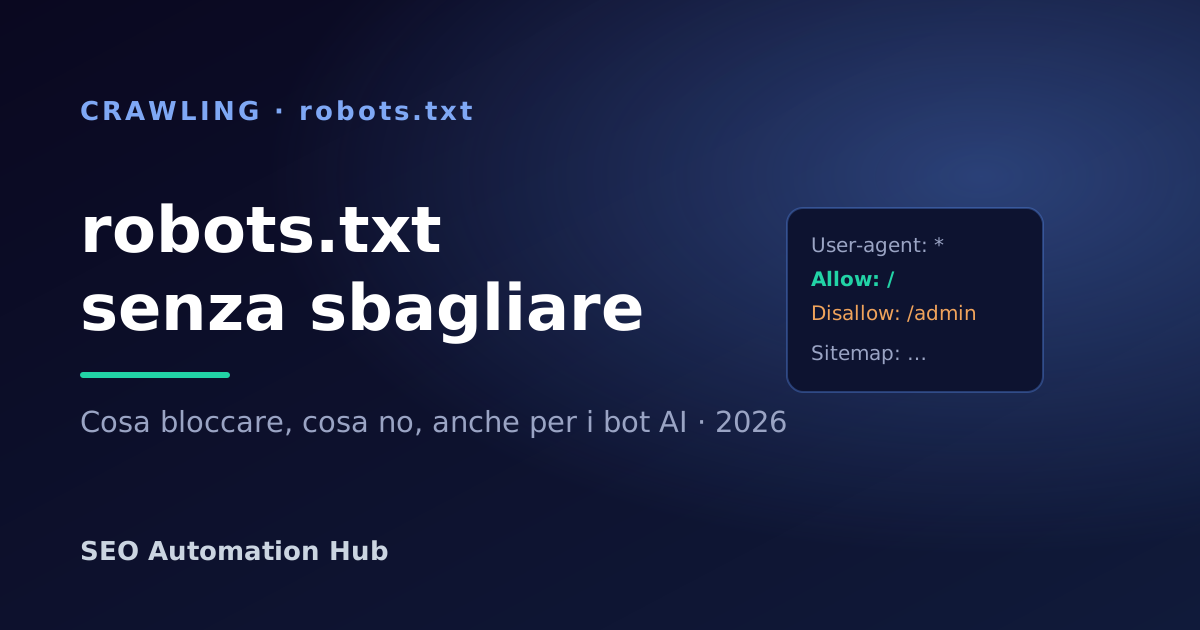
The robots.txt file is a text file at the root of your site (yoursite.com/robots.txt) that tells search engine crawlers which parts of the site they may visit. It's the first thing Google reads before crawling: one wrong rule can, in the worst case, hide your entire site from results.
Watch out for a common misconception: robots.txt controls crawling, not indexing. To keep a page out of Google you need the noindex tag, not Disallow — in fact, a page blocked by robots.txt can still appear in the SERP, just without a description.
How it's built: the basic directives
- User-agent — which bot the rules apply to (
*= all). - Disallow — the path not to crawl (
Disallow: /admin). - Allow — an exception inside a blocked path.
- Sitemap — the full URL of your XML sitemap, so engines find it right away.
A healthy example: block the admin area and useless parameters, keep the rest open, declare the sitemap. Never block CSS and JavaScript by mistake: Google needs to render the page.
The mistakes that cause damage
Disallow: /left online. Blocks the whole site — it happens after moving from staging to production. The most serious mistake.- Blocking rendering resources. CSS/JS under Disallow → Google sees a broken page and rates it worse.
- Using robots.txt to hide private pages. The file is public and readable by anyone: it isn't a security tool.
- Confusing Disallow and noindex. To remove from results you need noindex; Disallow only prevents crawling.
robots.txt and AI crawlers
In 2026 it's not just Googlebot and Bingbot: there are the AI bots — GPTBot, ClaudeBot, PerplexityBot, Google-Extended. robots.txt is where you decide whether to let them in. If you want to be cited by AI answers, don't block them; if instead you don't want them using your content, this is where you exclude them. It's a strategic choice, not a default.
How to generate and check it
You can create a valid robots.txt in a minute, with the right presets (allow/block, user-agent, disallow, crawl-delay, sitemap), using our free robots.txt generator, no signup required: set the rules, copy and download the file. Then verify that your important pages are actually reachable with the free SEO audit, which also flags crawl blocks among the priorities.